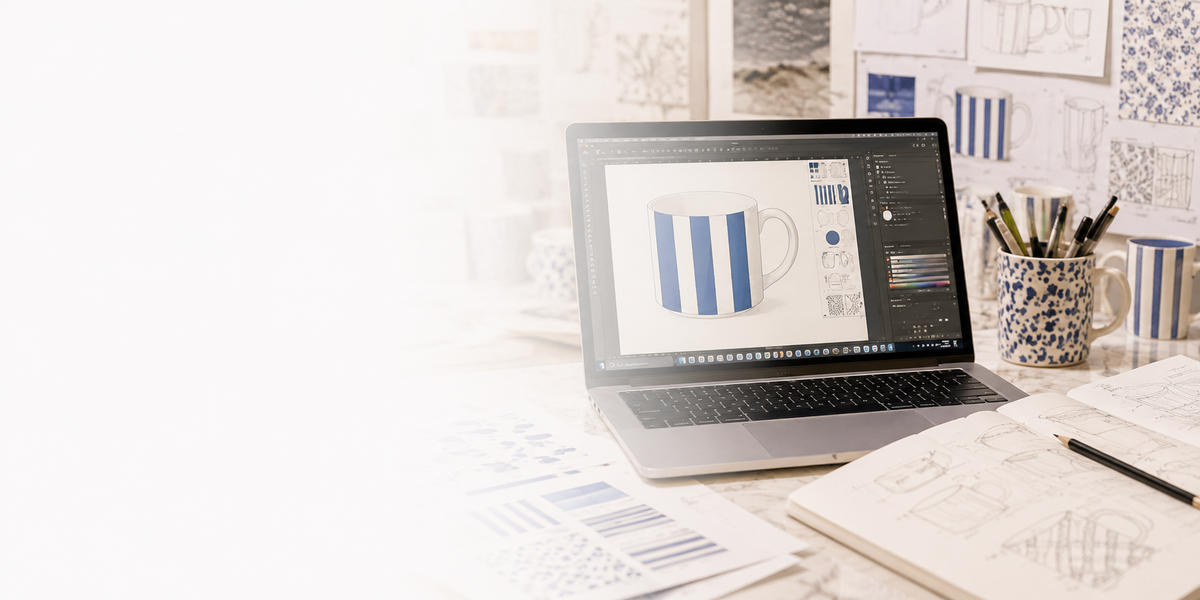
Before anything goes to print, our design team reviews your artwork and prepares it for ceramic printing, so it reproduces as closely as possible to how you intended and fits your ware perfectly.
Whether you're sending designs for digital or silkscreen printing, our design team checks your artwork so we can output it as close as possible to how you intend.
02
Sizing to fit your ware
We adjust the sizing of your design so everything fits our ware correctly when it's decorated and fired.
03
Colour adjustment
Our designers adjust colours where needed, so the final print is as close as possible to how it looks on your screen.
Good to know: whether printed digitally or by silkscreen, ceramic printing is always an interpretation of your artwork. Colours on screen and colours after firing can differ, so we adjust where needed to get as close as possible.
Before you send
Artwork setup checklist
Getting these right from the start saves time and gives the best result.
File format
We accept PDF, EPS, PSD, JPEG or TIFF. A vector file (EPS or PDF) gives the best print quality; otherwise send a high-resolution raster file (at least 300 DPI).
Resolution
At least 300 DPI at the size it will be printed. For halftones and photographic detail, 600 DPI gives the best result.
Colour palette
Limit your colours and label each colour layer clearly.
Bleed & margins
Leave roughly 2–3mm clearance around the design.
Practical design tips
Avoid gradients and photo-realism.
Pre-test critical designs for pigment behaviour and kiln response.
Use proof prints on decal paper and test-fire before mass production.
Templates
Print layout sizes
Print areas for our A3 digital and A2 silkscreen layouts. Click an image to view it full size.
A3 digital – print area 270 × 390mmView full size ↗A2 silkscreen – print area 570 × 420mmView full size ↗
Ready to start?
Got artwork ready to go?
Attach it to our quote form and our design team will take a look. We'll come back to you with a free mockup and quote.